Synthopia vs Canva Magic Studio
A Canva template is a file you fill in. A Synthopia template is a recipe that fills itself, from your photos.
Almost every small business already has Canva open somewhere. It is cheap, it does everything, and its template library is enormous. So the question is not whether Canva is good. It is whether a template that you fill in by hand is the same object as a template that builds a campaign from your own photographs. It is not, and that difference is most of what this page is about.
Side by side
| Synthopia | Canva Magic Studio | |
|---|---|---|
| What a template is | A recipe. You brief an occasion and it composes a full campaign around your products | A layout. You drop your photo in, set the type, and adjust the frame |
| Where the image comes from | Your real product photos, relit and reframed, never redrawn | Your upload placed inside a frame, or a Dream Lab image generated from a prompt |
| Formats per channel | Composed natively for each channel you switch on, from a single brief | You lay out each one, with Magic Resize to help |
| Who does the art direction | The engine, from your brand kit and voice, the same way every time | You |
| Range of use | Marketing campaigns: posts, reels, Meta ads, UGC videos and Google Business posts | Everything: menus, flyers, decks, signage, print |
| Creative control | You approve and can regenerate, but you are not moving boxes | Total, down to the pixel |
| Entry price | $39 per month | About $15 per month on Pro |
| Try before you pay | Signing up is free and comes with 60 credits, no card. | Generous free tier |
Canva Magic Studio pricing and features checked against their published pages on 2026-09-05. Their plans change; if something here is out of date, tell us and we will fix it.
A template you fill in, and a template that fills itself
In Canva a template is a beautiful static file. Someone designed a layout, and your job is to supply the photo, retype the words, nudge the logo, pick the colours, then repeat all of it for the story, the carousel and the post. The design is done for you. The work is not. A Synthopia template carries the whole recipe: the composition rules, the type treatment, the palette logic and the shot list. You brief the occasion and it builds the campaign against your own photographs. You are not filling anything in.
Dream Lab will invent your product. We refuse to
Magic Studio includes Dream Lab and Magic Media, which generate images from a text prompt. They are impressive, and for a poster background or an abstract texture they are genuinely useful. Pointed at a product they produce one that was never made: a dish nobody cooked, a dress nobody cut, in a room that does not exist. Synthopia has a hard rule against this. Your product is a reference the engine has to honour, not raw material to reimagine, because in the US as anywhere else a customer who buys off an imagined picture arrives disappointed and does not come back.
The honest maths on an afternoon
Canva Pro is about $15 a month. Synthopia starts at $39. Judged as software alone Canva is cheaper and does vastly more, and we are not going to argue otherwise. The comparison changes only if you count the afternoon: opening the template, sourcing the photo, retyping the copy, resizing for four channels, doing it again next week. If you have someone who enjoys that work and has the time, Canva is excellent and you should keep using it. If that person is you at eleven at night after a full day, the difference is buying back the evening, and that is the only claim we will make about it.
Most people should keep Canva anyway
This is not really an either-or. Canva is a full design suite, and Synthopia does not make your menus, your price lists, your flyers, your signage or your hiring poster. Keep Canva open for exactly those things and use Synthopia for the campaign work. If a comparison page tells you to cancel a $15 subscription that does twelve other jobs, it is selling rather than comparing.
Pick Canva Magic Studio if
- You need design for everything, not just marketing campaigns: menus, print, signage, decks
- You or someone on your team genuinely enjoys designing and has the time
- You want pixel-level control over every layout
- Budget is the binding constraint
- Your social output is occasional rather than a standing weekly commitment
Pick Synthopia if
- You keep buying templates and still spending the afternoon filling them in
- The product in the picture has to be the one you actually sell
- You want the same brand treatment applied automatically rather than rebuilt each time
- You need a month across several channels, not one post you have time to perfect
- You want to see it run on your own photos first, which is what the free signup credits are for
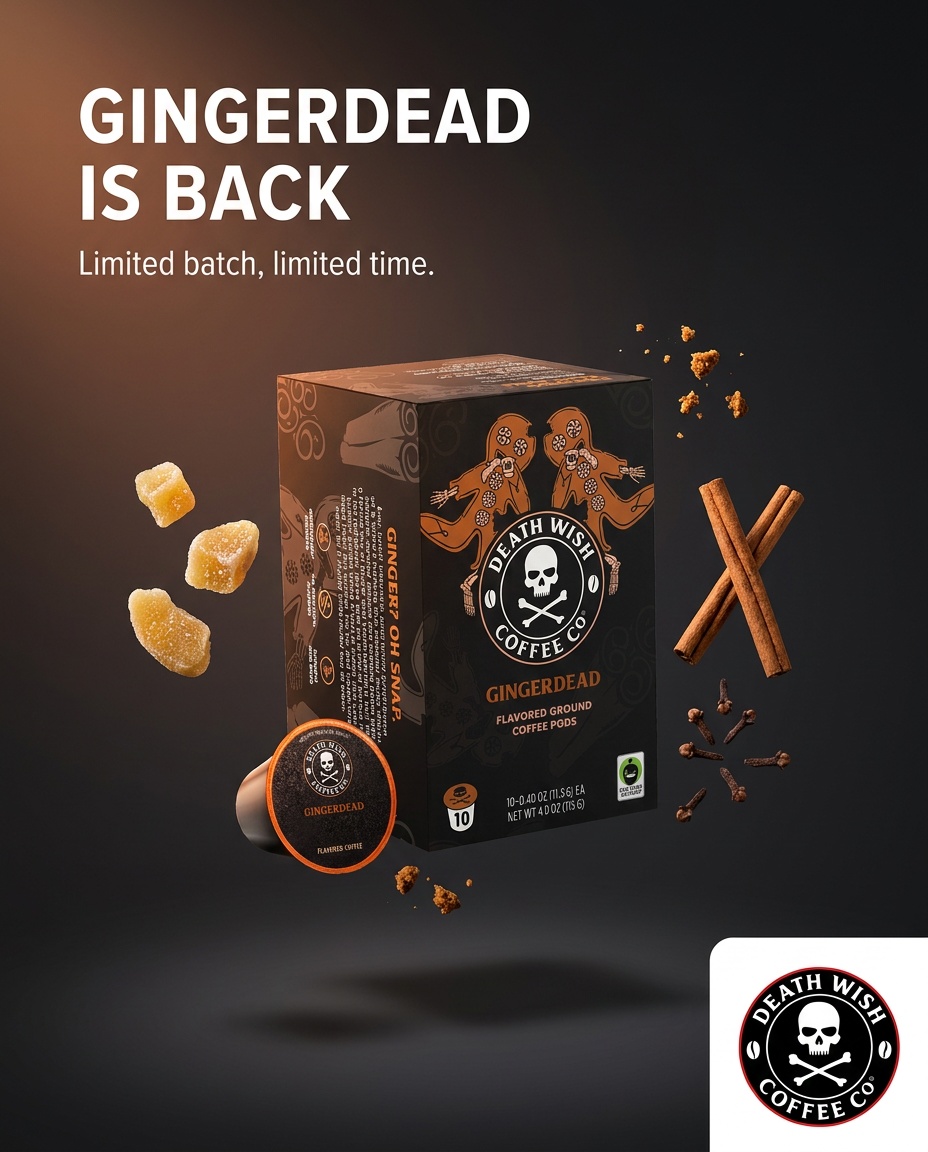
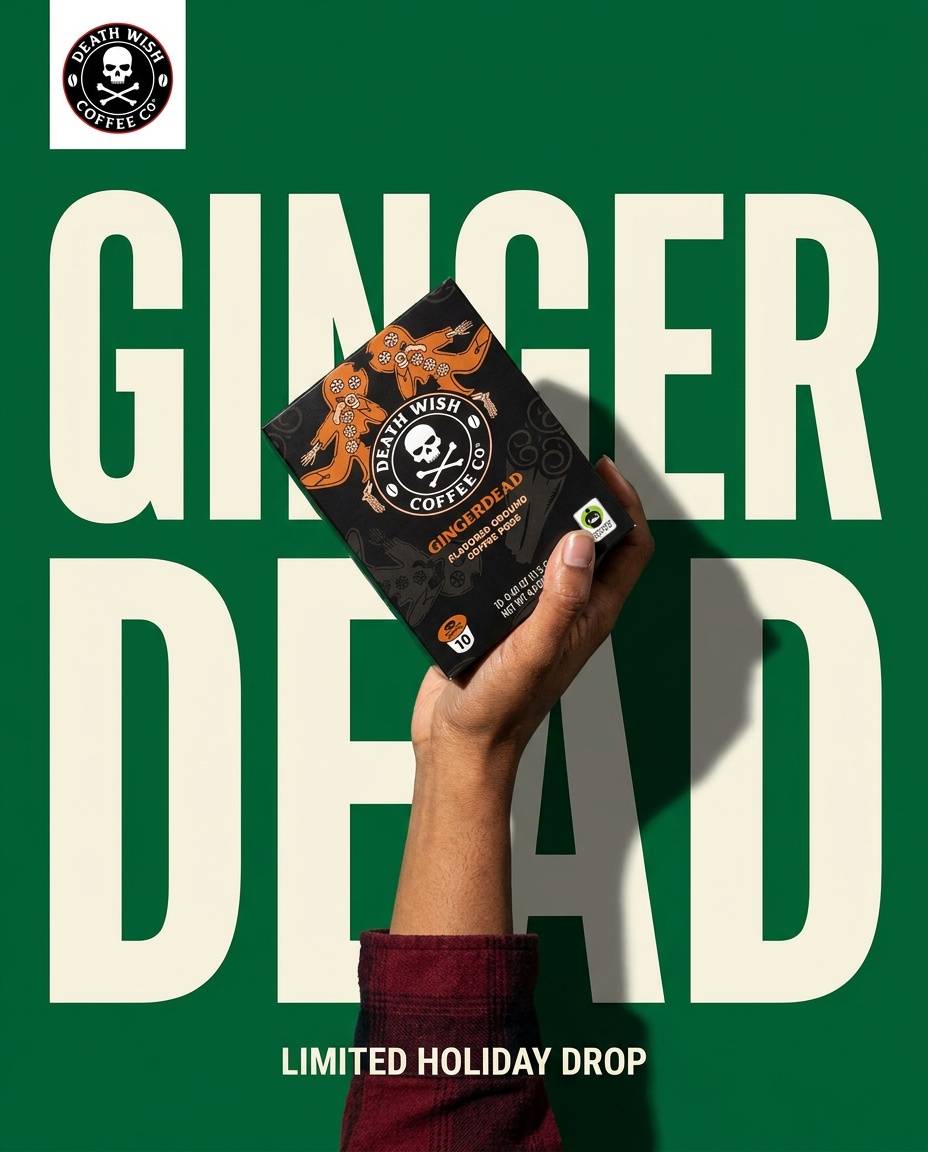
What comes back from one brief


Questions
Can I just use Canva templates for my brand?
Yes, and plenty of businesses do it well. The cost is your time: a Canva template hands you a layout, and you still supply the photo, the words and a separate version for every channel, every week.
Does Synthopia replace Canva?
No. It replaces the weekly campaign work. Canva keeps doing your menus, flyers, signage and anything else you need designed. We would not suggest cancelling it.
Is Dream Lab good enough for product photos?
It makes attractive images, but they are invented ones. When customers buy what they see, the risk is not that the image looks bad, it is that it looks better than the product you actually sell.
What if I already have Canva templates I like?
Keep them. Synthopia is briefed on your brand, so if there is a look you already use, the closest thing to it is picking the Synthopia template with the same register and letting it run on your photos.
Other comparisons
Settle it with your own product.
Upload a few photos, brief one occasion, and judge what comes back. 60 free credits, no card.
Get started