For most people the best app to make reels is a free editor: CapCut or Instagram's own Reels editor. Pay when you need more: InShot Pro is $4.99 a month, Adobe Express Premium $9.99 a month, Canva Pro US$144 a year. InVideo and Predis generate video from a prompt instead of editing yours.
The app is almost never the reason reels are bad. The footage is. But you still have to pick an app, so here are nine, with what they cost, whether they edit your footage or generate new footage, and where they run. Restaurants are the worked example further down, because food is where the gap between a generated clip and the real thing is easiest to see.
Prices were checked against each app's own pricing page or app store listing on 28 October 2026. Where an app did not show a price, this page says so instead of guessing.
The shortlist
| App | Price (checked October 2026) | AI or manual editing | Platforms | Best for |
|---|---|---|---|---|
| CapCut | Free app; the pricing page we were served showed Pro at AED 69.99 a month or AED 599.99 a year, "for reference only" (CapCut pricing) | Manual editing, with templates and AI tools | Phone, desktop and browser | Trend-led edits; what most accounts already use |
| Instagram Reels editor | Free, inside Instagram | Manual | Instagram app | Posting with no other tool |
| InShot | Free; Pro $4.99 a month, $19.99 a year or $49.99 lifetime (App Store) | Manual | iPhone and Android | Editing on a phone between other jobs |
| Canva | Free; Pro US$144 a year for one person (Canva pricing) | Templates and manual, with AI tools | Browser, desktop and phone | One person making stills and video |
| Adobe Express | Free; Premium US$9.99 a month with 250 generative credits (Adobe pricing) | Templates and manual, with AI tools | Browser and phone | The cheapest paid editor here |
| VEED | Free plan; paid prices did not display when we checked (VEED pricing) | Manual, with AI subtitles | Browser | Subtitles without a phone |
| InVideo | No free plan listed; Starter $10 a seat a month billed yearly ($20 monthly), 400 credits (InVideo pricing) | AI: generates video from a prompt | Browser | Generated clips at volume |
| Predis.ai | 3 days free with a card, then Core $19 a month billed yearly ($230 a year), 1,300 credits (Predis pricing) | AI: posts and short video from a prompt and brand assets | Browser | Social video at volume |
| Synthopia | 60 free signup credits, no card; Spark $39 a month for 400 credits | AI, built from your link and your own photos; you approve before anything posts | Browser | A month of reels, stills and captions from one brief |
What moved since our September check. CapCut published no price on its website in September; its pricing page now shows Pro prices in local currency, so check the figure for your country inside the app. InVideo replaced the $17 Plus plan we listed with Starter at $10 a seat billed yearly. Predis Core dropped from $24 to $19 a month billed yearly, and its page now says about 33 videos, up from about 9. Later has left the table because it schedules reels rather than making them: its Starter plan is $18.75 a month billed yearly with 30 posts per profile (Later pricing).
The four routes, honestly
Cut it yourself. CapCut, InShot, the Instagram editor. Free, capable, and genuinely what most good accounts are made with. The cost is that you are the editor, on a phone, after work.
Template it. Canva, Adobe Express, VEED. You drop your clips into a shape someone else designed. More consistent, and the ceiling is that your reel looks like the template until you learn to bend it.
Generate it. InVideo, Predis. The machine makes the video. For anything physical the catch is specific: a generated product is not your product. It is fine for a text-led clip, an offer card, or B-roll of a city. It is not fine for the thing you sell.
Produce it from your own material. Your photos and clips, cut to a plan, in your voice. This is what an agency does and what our own product is for. The honest disclosure: we are in this category, so weigh what follows accordingly.
The restaurant example
From here on the worked example is a restaurant, because food shows every weakness of a reel app at once: the dish has to look like the dish, the light changes by the hour, and nobody has time to edit after service. The same rules hold for a candle brand or a clothing label.
One honest entry: what Synthopia makes for a café
A café gives Synthopia its website or Instagram link. Synthopia pulls in the café's photos, logo, colours and tone of voice, and one brief comes back as a month of marketing: a reel, stills and copy, each cut and sized for the channels the café switched on. The café's photos are references the engine must honour, never raw material to reinvent, so the flat white in the reel is the café's flat white. Nothing posts until the café approves it; then it goes out from the app, or the café downloads it and posts by hand. You can see the campaign recipes it builds from in our template gallery.

A social post Synthopia made for Bean Brew & Beyond, a coffee brand, from the brand's own website.
What it does not do: it does not follow trending audio the way CapCut does, and it is newer than every other app on this page.
What actually makes a restaurant reel work
None of this is an app feature, which is the uncomfortable part of any tool comparison.
The first second. Not a logo. Steam, a pour, a cut, a hand. If nothing moves in frame one, the rest does not get watched, and that is a shooting decision rather than an editing one.
Sound the platform recognises. Trending audio still carries reach on Instagram and TikTok. CapCut is genuinely ahead here because it surfaces what is moving right now, and that is most of why it is the default.
Fifteen to twenty seconds. Long enough to show the thing, short enough to be rewatched. Most restaurant reels are twice as long as they need to be because the raw clip was.
One idea. A dish, a moment, a person. Three ideas is a menu, not a reel.
Captions. Most feeds are watched muted. Every app here does captions; only some do them automatically, and it is worth choosing on that alone if you post daily.
The footage problem, which is the real one
Here is the thing every app comparison skips. The constraint on almost every restaurant account we see is not editing software. It is that nobody filmed anything on Tuesday.
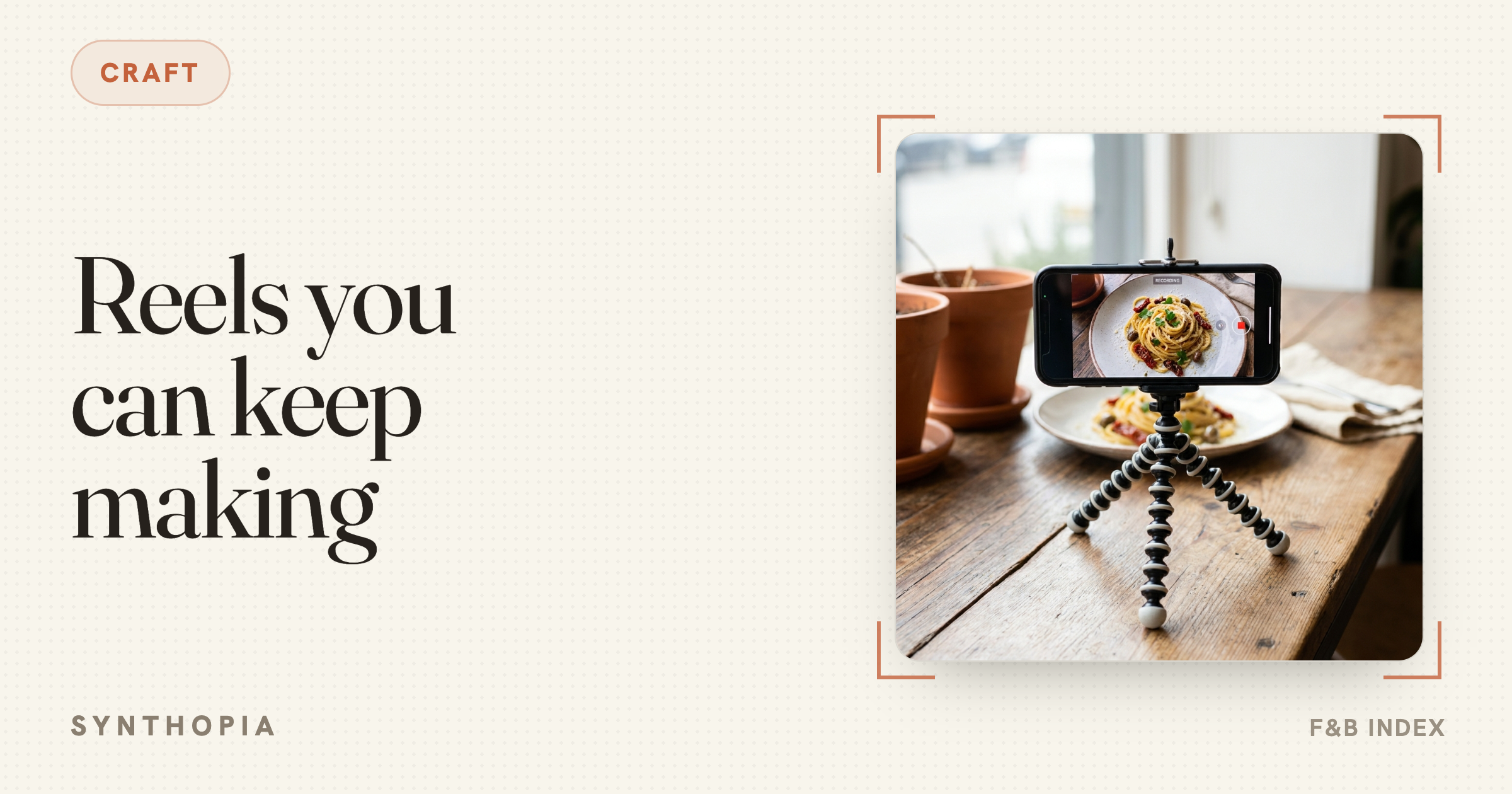
Fifteen seconds of usable footage is about ninety seconds of actual filming: the pour, the cut, the plate landing, one shot of the room with people in it. Done during prep, by whoever is already standing there, on a phone, near a window. That is the input. Every app above is a multiplier on it, and a multiplier on nothing is nothing.
If you fix one thing this month, make it a standing habit of filming three clips a shift. The app you choose afterwards matters much less than you would think from reading pages like this one.